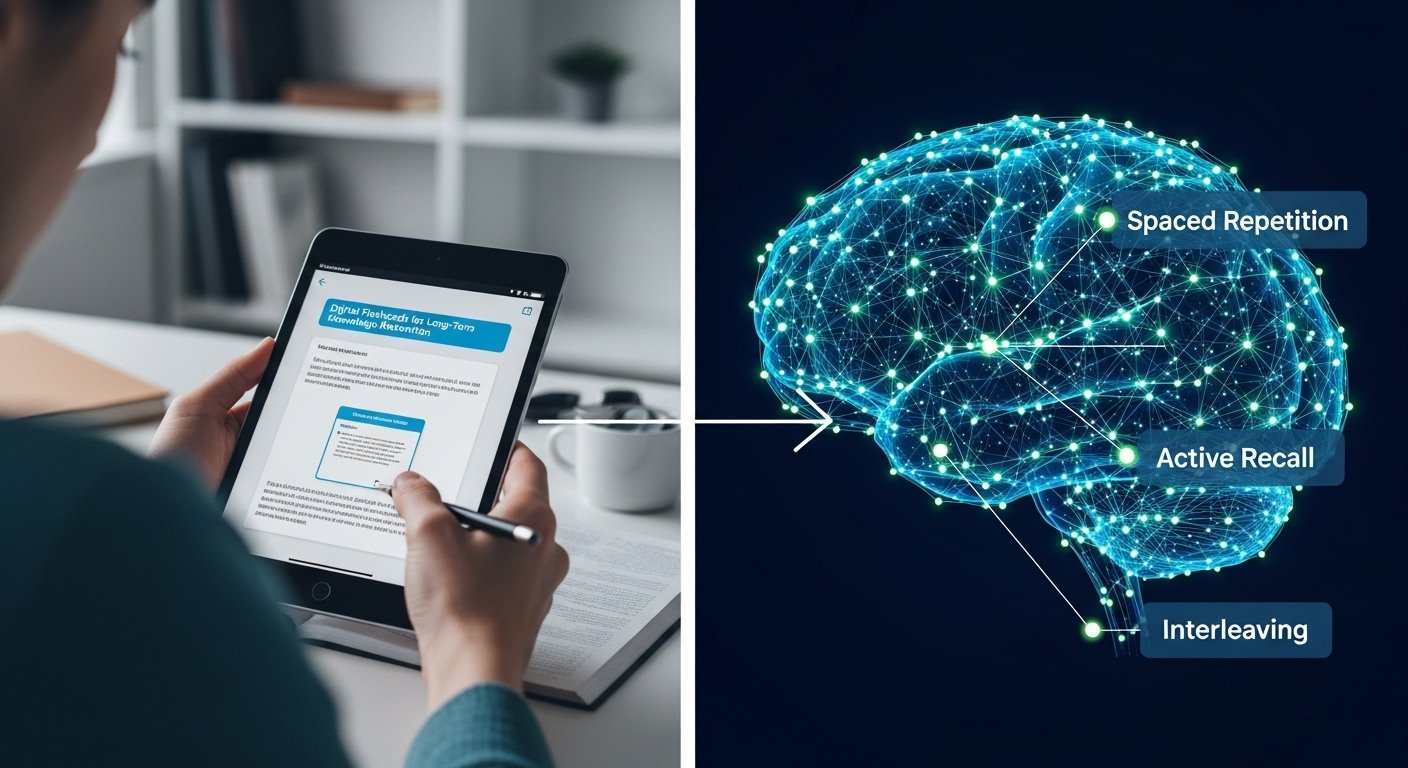
Have you ever spent 4 hours reading a chapter, only to forget everything two days later? This is the “Forgetting Curve” in action. Reading is a “Passive” activity; your brain is in “Consumer Mode.” To move information from your short-term to your long-term memory, you need “Active Recall.” The most efficient way to achieve this is through a digital flashcards guide. Unlike paper cards, digital systems use Spaced Repetition Systems (SRS)—algorithms that calculate exactly when you are about to forget a fact and show it to you at that precise moment. In this guide, we explore the science of “Memory Hacking” and how to build a digital library that ensures you never “Cram” for an exam again.
The Forgetting Curve: Why Reading is a Waste of Time
German psychologist Hermann Ebbinghaus discovered that we forget 70% of what we learn within 24 hours. The only way to stop the “Leak” is to “Interrupt” the forgetting process. This digital flashcards guide focuses on “Interval Expansion.” If you review a card today, then in 3 days, then in 10 days, then in 30 days, the memory becomes “Permanent.” You are essentially “Leveling Up” the information in your brain’s storage system.
Choosing Your Platform: Top SRS Apps
Don’t use paper. It’s impossible to manage 1,000 physical cards. Use these digital flashcards guide approved tools:
- Anki: The gold standard. It’s free (on PC/Android), open-source, and has the most powerful SRS algorithm. It looks “Old School,” but it’s the choice of medical and law students.
- Quizlet: Very user-friendly and aesthetically pleasing. Good for “Simple” benefits of learning second language vocab, but its free version lacks advanced SRS.
- RemNote / Obsidian: These “Knowledge Management” tools allow you to turn your lecture notes directly into flashcards. It’s “Seamless Learning.”
Creating the “Perfect Card”: The Minimum Information Principle
The #1 mistake students make is putting too much text on a card. – **Incorrect (The Paragraph):** “What are the characteristics of [Complex Theory]?” – **Correct (The Atomic Fact):** “Which process is the primary driver of [Complex Theory]?” Following this digital flashcards guide instruction: keep each card “Atomic.” You should be able to answer a card in under 3 seconds. If you have to think for 10 seconds, the card is too complex—break it into three smaller cards.
The Power of “Cloze Deletions”
“Cloze Deletions” are “Fill-in-the-blank” cards. Instead of a Question/Answer format, you have a sentence where a key word is hidden: – “[…] is the process of using digital tools for collaborative work.” This mimics the way your brain actually retrieves information in a real-world scenario. It’s faster to create and faster to review. It’s the “Secret Weapon” of this digital flashcards guide.
Gamifying Your Study Session
Memory work can be boring. Gamify it! – **The “Streak” Strategy:** Try to hit your “Daily Review” for 30 days in a row. Most apps have a “Heat Map” that shows your progress. – **The “Dead Time” Hack:** Spend your 15-minute bus ride doing your flashcards on your phone. This turns “Dead Time” into “Learning Time,” allowing you to relax when you get home.
Flashcards for Scholarships: The GRE/SAT Hack
If you are following our standardized testing guide for students, flashcards are mandatory for vocabulary and math formulas. – **Vocab:** Don’t just learn the definition; include a sentence and an image. – **Math:** Put a “Tricky Question” on the front and the “Logical Shortcut” on the back. Regular use of a digital flashcards guide can raise your score by 15-20% because it eliminates “Silly Mistakes” caused by forgetting basic rules.
Conclusion
Your brain is a biological computer with limited RAM but infinite Hard Drive space. Flashcards are the “Save Button.” By using Spaced Repetition and Atomic Cards, you stop the leak of the Forgetting Curve and build a “Mental Library” that you can rely on for the rest of your life. Don’t work harder; work “Smarter.” Stop reading and start recalling. The information is in there—now, make sure it stays there. Your digital deck is your competitive advantage. Build it, review it, and master your field. The exam is just a formality when your memory is permanent.
Frequently Asked Questions
Should I download someone else’s deck?
No. The act of *making* the card is 50% of the learning. You can download a “Community Deck” for basic vocab, but for complex subjects, always make your own.
How many cards should I do a day?
Aim for 20 “New” cards and however many “Reviews” the algorithm gives you (usually 50-100). This takes about 15-20 minutes total.
Can I use images on flashcards?
Yes! “Dual Coding” (using text and images) is a pillar of this digital flashcards guide. It creates more “Hooks” in your brain for the information.
What if I miss a day?
The cards will “Pile Up.” Don’t panic. Just do 10 minutes more each day until you are “Caught Up.” Consistency is the only rule that matters.
Can I use flashcards for “Concept” learning?
Yes, but only after you understand the concept. Use flashcards to *retain* the understanding, not to *create* it. Understanding comes first; retention comes second.


